
Cross-Docking: What It Is, When It Works, and How to Start
The fastest way to handle inventory is not to store it at all.
Cross-docking moves product from the receiving dock to the shipping dock with little or no time in storage. Done well, it cuts handling, frees space, and gets product to customers or other locations faster. Done badly, it creates a dock full of pallets nobody can find.
This guide explains what cross-docking is, the main types, when it works, what it requires from your systems, and how to get started.
What Is Cross-Docking?
Cross-docking is a warehouse practice where inbound product is unloaded, sorted, and moved directly to outbound shipments, usually within hours, instead of being put away into storage and picked later.
Types of Cross-Docking
- Pre-allocated (planned) cross-docking: the inbound shipment is already assigned to specific customer orders or locations before it arrives. Most common for distributors filling known demand.
- Opportunistic cross-docking: when a receipt arrives, the system checks for open orders or backorders that need it and routes it straight to shipping.
- Distribution center transfers: product received at one DC is immediately moved on to other DCs or branches.
- Consolidation: smaller inbound shipments are combined into full outbound loads.
Benefits
- Less handling: no put-away and no separate pick
- Less storage space for fast-moving product
- Faster delivery to customers and branches
- Backorders filled as soon as stock arrives. See backorder management.
When Cross-Docking Works, and When It Doesn’t
It works well when:
- Demand is known in advance, such as customer orders, store replenishment, or branch transfers
- Suppliers deliver reliably, with accurate advance ship notices
- Product arrives ready to ship, or needs only simple relabeling
- You run multiple locations that share inbound supply
It struggles when:
- Inbound timing is unpredictable
- Product needs inspection, kitting, or significant processing
- Receiving accuracy is poor, so you cannot trust what arrived
- Dock space is too limited to stage and sort
What Cross-Docking Requires
- Visibility of inbound supply: purchase orders and advance ship notices with accurate contents and arrival times
- Real-time demand: open orders, backorders, and transfer needs at the moment of receiving
- Rules: which items can be cross-docked, to which locations, and when
- Scanning at the dock, so receipts and their outbound destinations are recorded correctly
- Staging locations tracked in the system, so nothing gets lost on the dock
See why WMS and ERP should be one system.
How to Get Started
- Start with one flow, such as branch replenishment from your main DC
- Choose fast-moving items with reliable suppliers
- Improve ASN accuracy with those suppliers
- Set up dock staging locations and scan-based receiving
- Measure dock-to-ship time and storage avoided, then expand
See Bizowie in Action
Real screens from Bizowie, not mockups. Click any screen to enlarge.
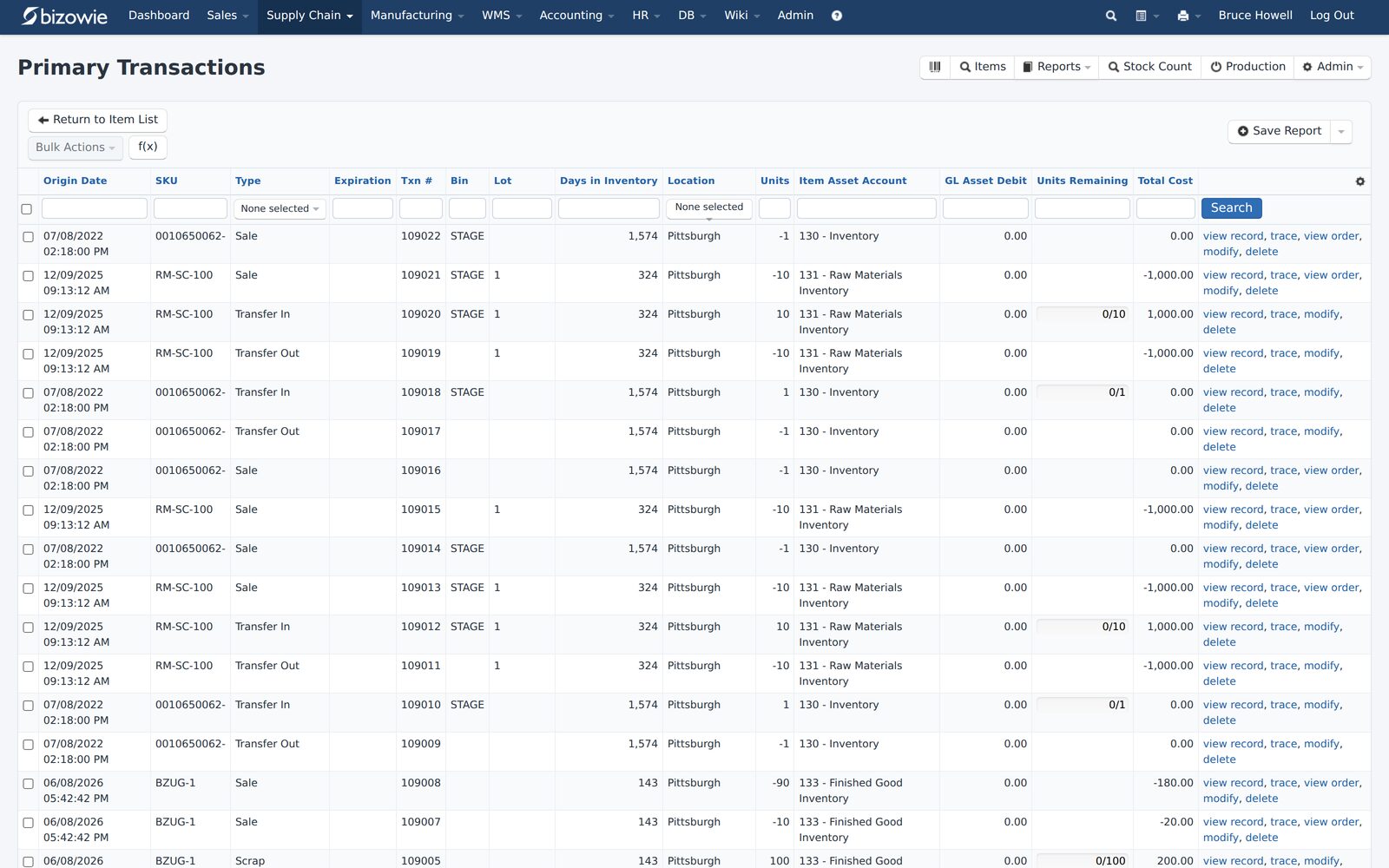
Every receipt, transfer, build, and quarantine move by SKU, lot, bin, and location.
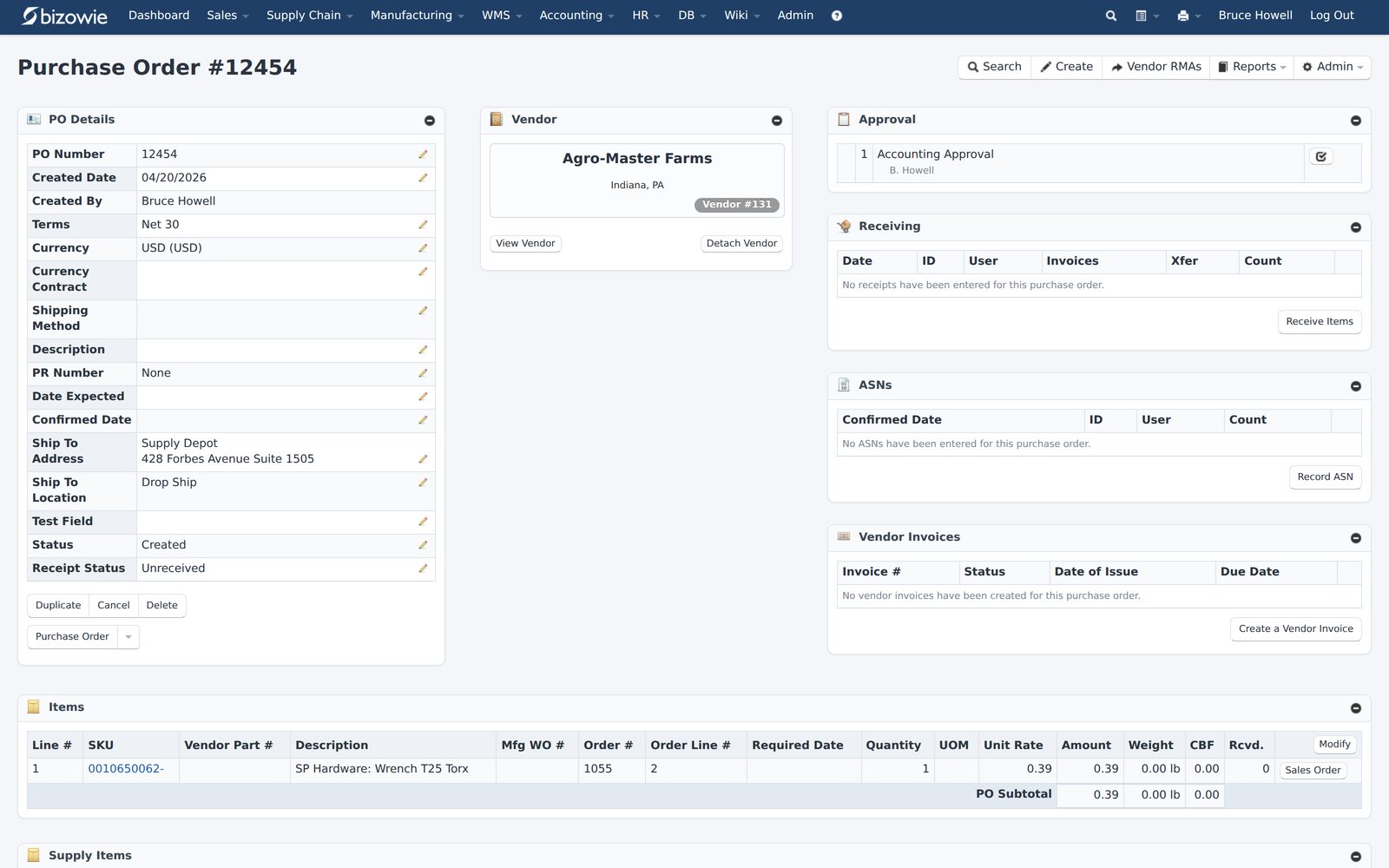
Purchase orders with approvals, receiving, ASNs, and vendor invoices on one screen.
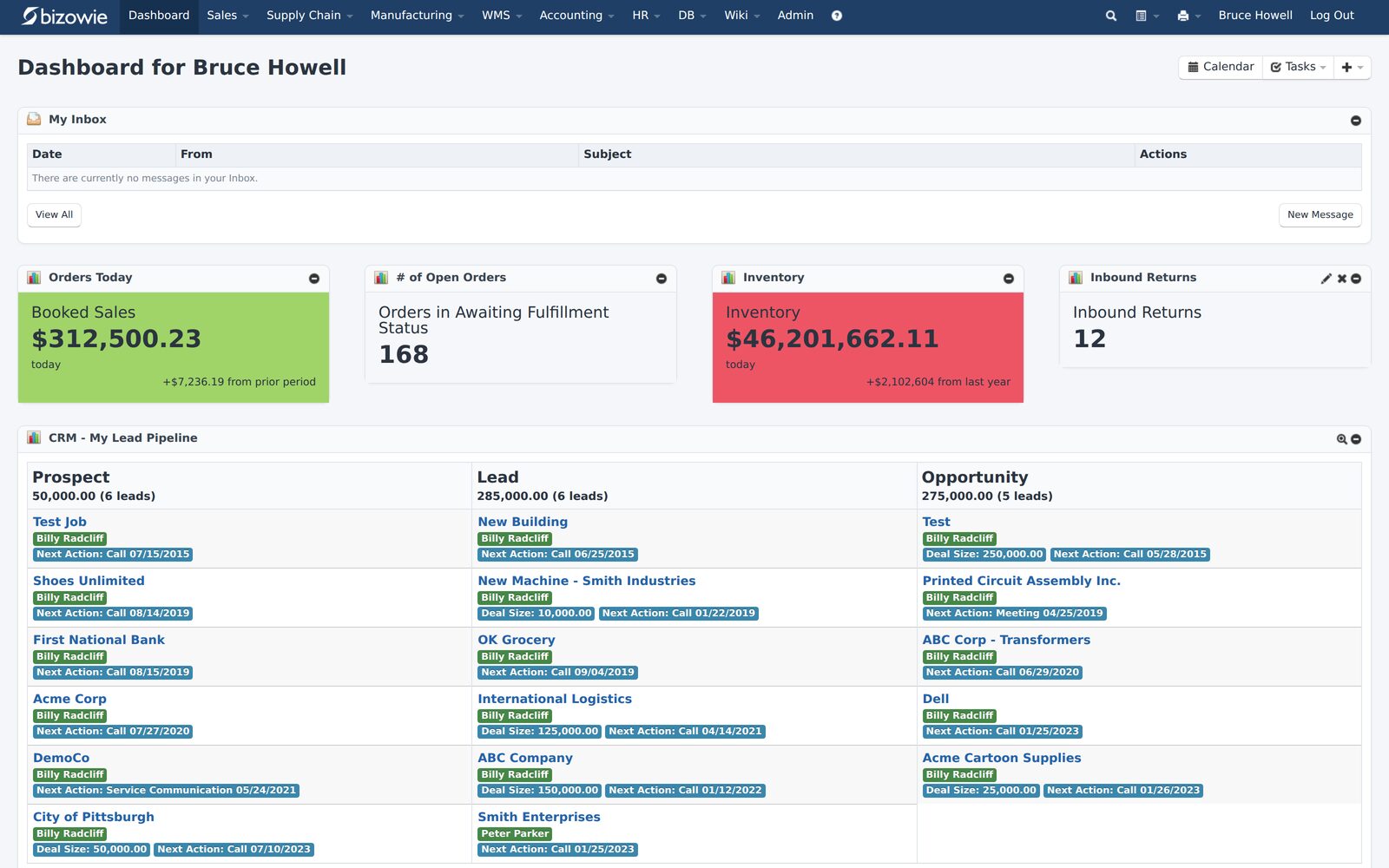
Bookings, open orders awaiting fulfillment, and inventory value at a glance.
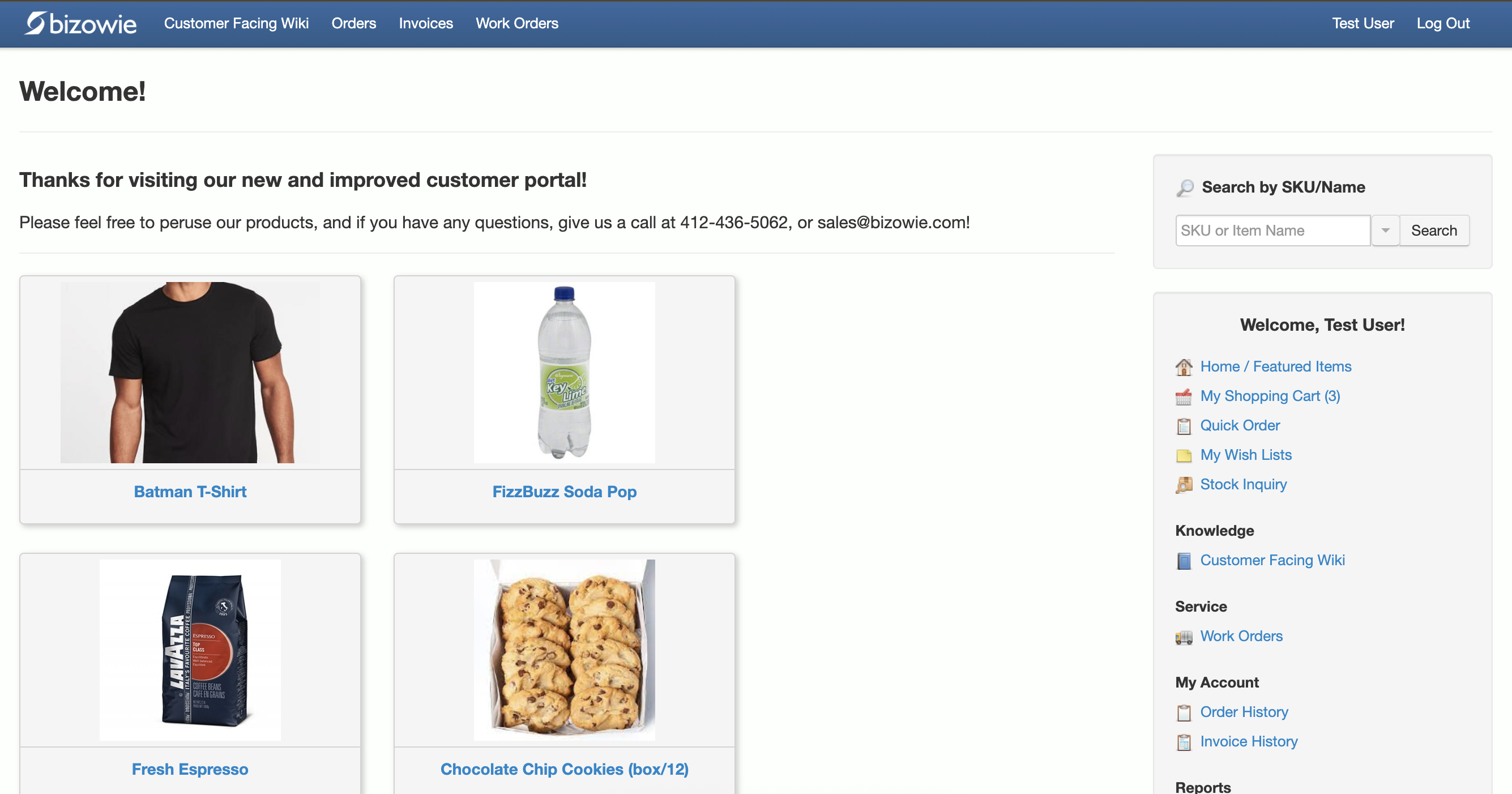
Customers search items, place orders, and check order and invoice history themselves.
Cross-Docking in Bizowie
For customers with multiple distribution centers, Bizowie’s cross-docking functionality lets you build rules for how and when inventory can be routed between DCs, reducing bottlenecks. Rule-based inter-warehouse and cross-dock transfers also help avoid overbuying at one location while another has stock. Purchasing supports early receiving, ASNs, and multiple receipts, and inventory can be tracked in staging areas, docks, and LPNs, so cross-docked product is always visible.
“We have seen immediate economic benefit for our business in terms of productivity from our warehouse staff, eliminated processing errors, and better stock control.”
Julius Hart — Managing Director, LensesOnline
Frequently Asked Questions
What is cross-docking in a warehouse?
Moving inbound product directly to outbound shipments with little or no time in storage, skipping put-away and picking.
What is the difference between cross-docking and drop shipping?
In cross-docking, product passes through your warehouse briefly. In drop shipping, the supplier ships directly to your customer and the product never enters your warehouse. See drop ship distribution.
What do you need for cross-docking to work?
Reliable inbound timing and contents, real-time visibility of demand at receiving, clear routing rules, scanning at the dock, and tracked staging locations.
See Cross-Docking on Your Flows
Tell us how product moves through your locations today. We’ll show you how it would work in Bizowie, and if we are not the right fit, we will tell you.
See how Bizowie would move your inventory
Tell us a little about your operation and we’ll reply with an honest assessment of fit, not a sales pitch.
- A real person reviews your submission and replies within one business day.
- No automated email sequences.
- If we’re not the right fit, we’ll tell you.
Prefer to talk?
Call (888) 635-2517, Mon–Fri, 9 AM–5 PM Eastern