
Backorder Management for Distributors: Allocation, Release, and Communication
Every distributor has backorders. The question is whether they are managed or just accumulated.
A managed backorder has a clear expected date, ships automatically when stock arrives, goes to the right customer first, and never surprises the customer. An unmanaged backorder sits on a report until someone calls to ask where their order is.
This guide explains what causes backorders, how to allocate scarce stock fairly and profitably, how to automate backorder release, and how to communicate with customers so backorders cost less goodwill.
What Is a Backorder?
A backorder is a customer order, or part of one, that cannot be filled from available stock and will ship when stock arrives. Unlike a cancelled line, the customer still expects it, so the backorder is a promise that needs to be tracked and kept.
What Causes Backorders
- Replenishment set too low for current demand. See reorder point and min-max.
- Supplier delays and lead times that are longer than the system assumes
- Demand spikes from a large order, a promotion, or a season
- Inventory inaccuracy: the system said it was there, but it was not. See cycle counting.
- Stock in the wrong location: available at another warehouse, but not where the order ships from
Tracking backorders by cause shows which ones a process change would prevent. See how to eliminate stock-outs without increasing inventory.
Allocating Scarce Stock
When there is not enough to go around, someone decides who gets it. Better that the system decides by rule than a person decides by who called last. Common allocation rules:
- First come, first served by order date: simple and defensible
- Customer priority: key accounts, contract customers, or customers with service-level agreements first
- Ship date: orders due soonest first
- Fill complete orders: allocate so more orders ship complete, rather than spreading stock thinly
- Fair share: each customer receives a proportion of their order
Whatever the rule, make it explicit, apply it consistently, and allow authorized overrides.
Automating Backorder Release
When stock arrives, backorders should be released for picking automatically, following the allocation rules, instead of waiting for someone to review a report. That means the receiving transaction triggers allocation, the order status updates, and the warehouse sees the newly fillable lines right away.
It also helps to set rules by customer: some customers want backorders shipped as soon as any stock arrives, others want orders held until complete, and others want backorders cancelled after a certain number of days.
Customer Communication
Backorders cost goodwill mostly when they surprise the customer. Good practice:
- Tell customers at order entry, with an expected date based on open purchase orders
- Update them automatically when the date changes
- Notify them when the backorder ships, by email, EDI, or the portal
- Let them see backorder status themselves in a customer portal
See customer experience in distribution.
Partial Shipments and Substitutions
Shipping what is available now and the rest later keeps customers working, but each extra shipment adds freight and handling cost. Set rules for when partial shipments are allowed, consider minimum shipment values, and offer approved substitutions when they make sense for the customer.
Backorder Metrics
- Fill rate: lines or units shipped complete on the first shipment, as a percentage of those ordered
- Backorder rate: percentage of order lines that go on backorder
- Backorder age: how long backorders have been open
- Backorders by cause, supplier, and item
See Bizowie in Action
Real screens from Bizowie, not mockups. Click any screen to enlarge.
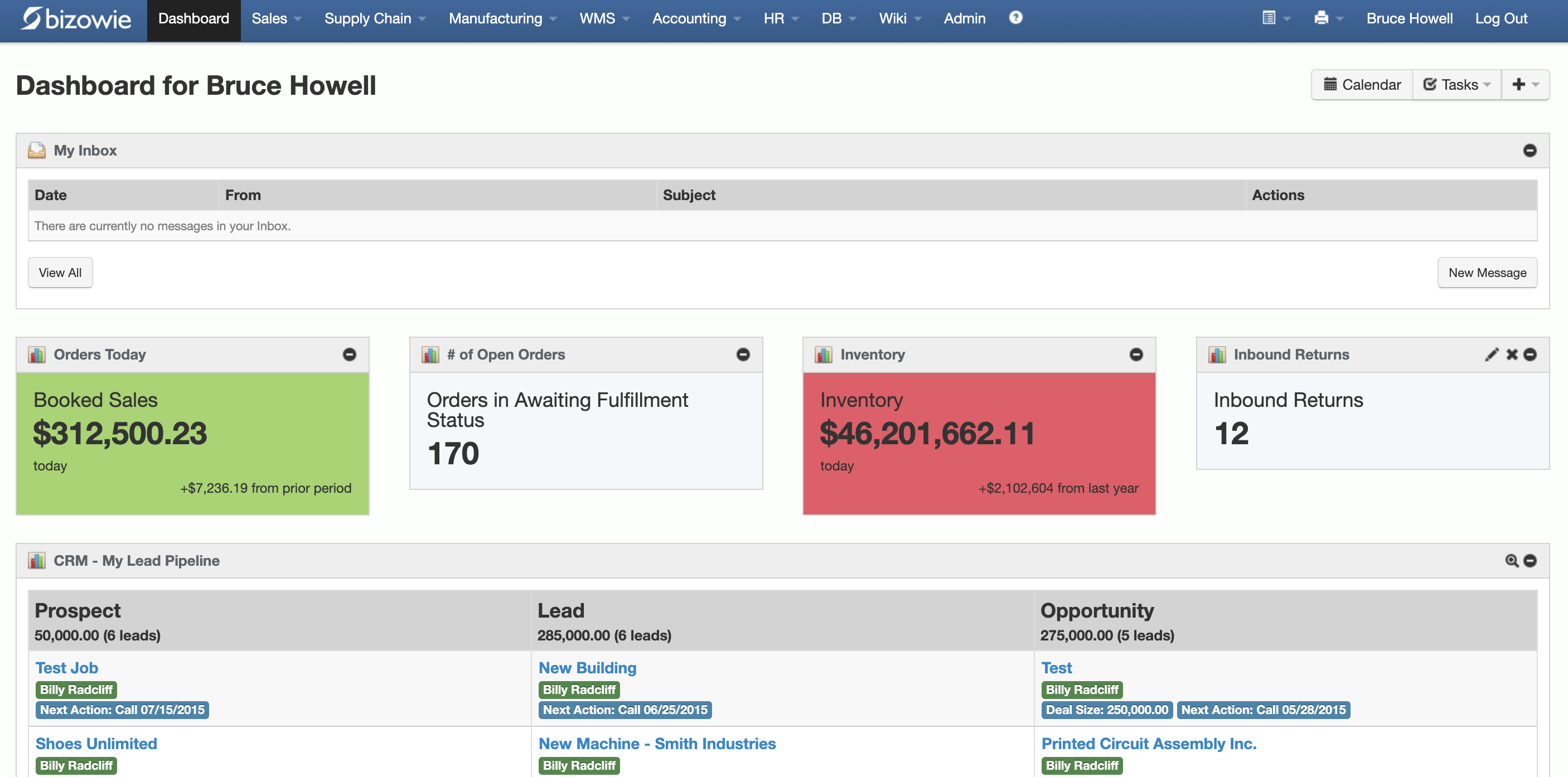
Live Dashboard
Bookings, open orders awaiting fulfillment, and inventory value at a glance.
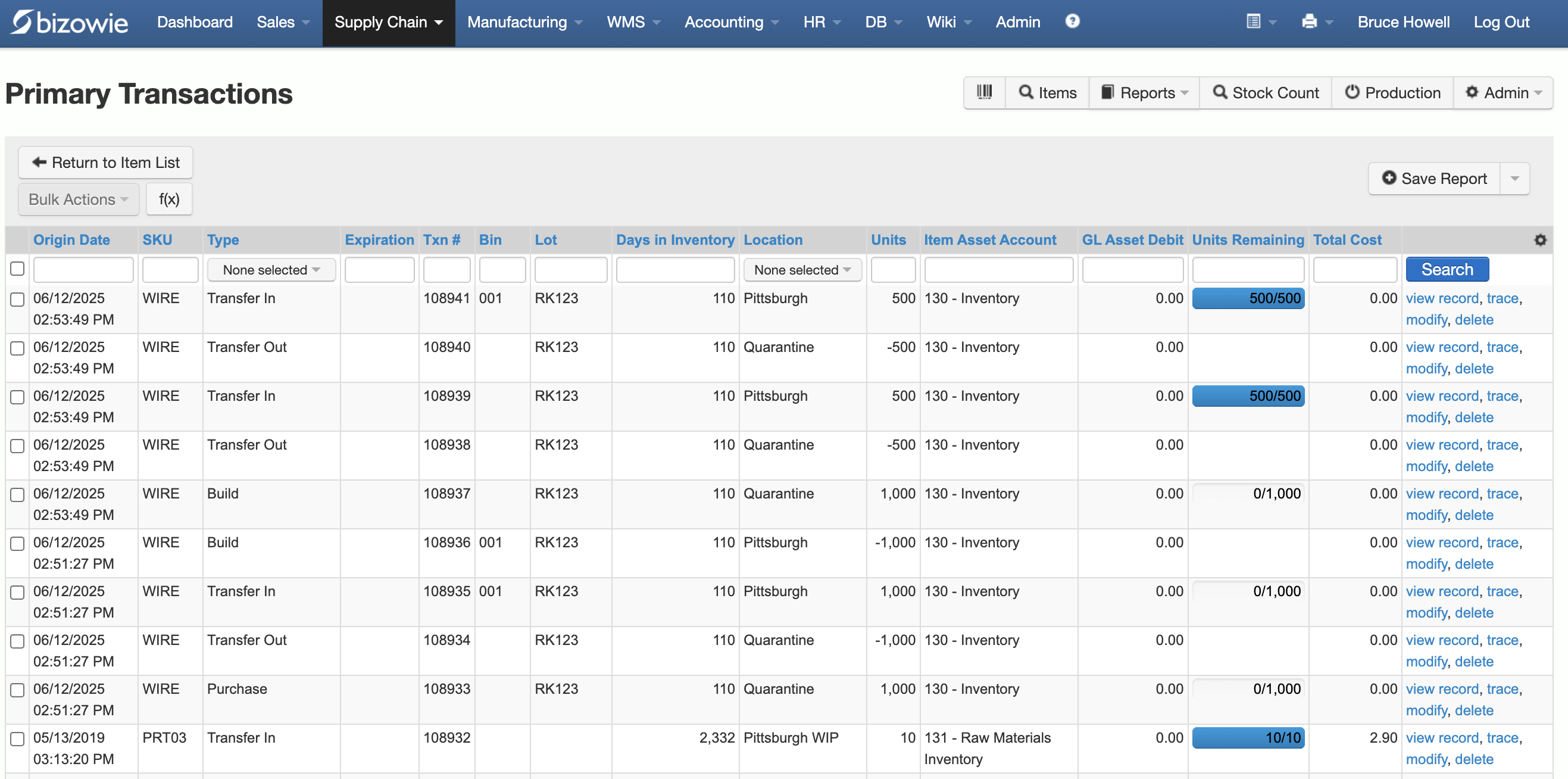
Inventory Transactions
Every receipt, transfer, build, and quarantine move by SKU, lot, bin, and location.
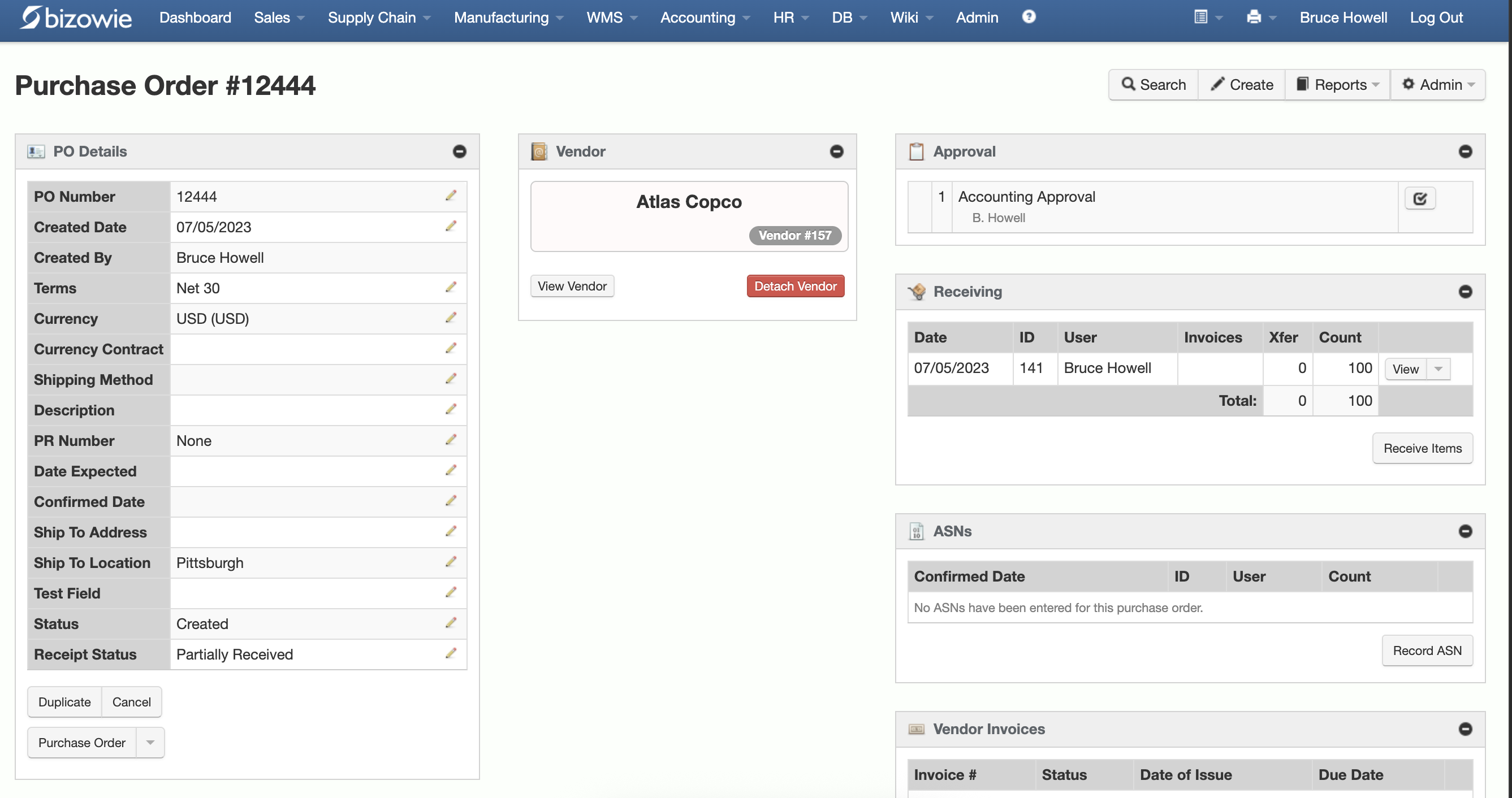
Purchasing & Receiving
Purchase orders with approvals, receiving, ASNs, and vendor invoices on one screen.
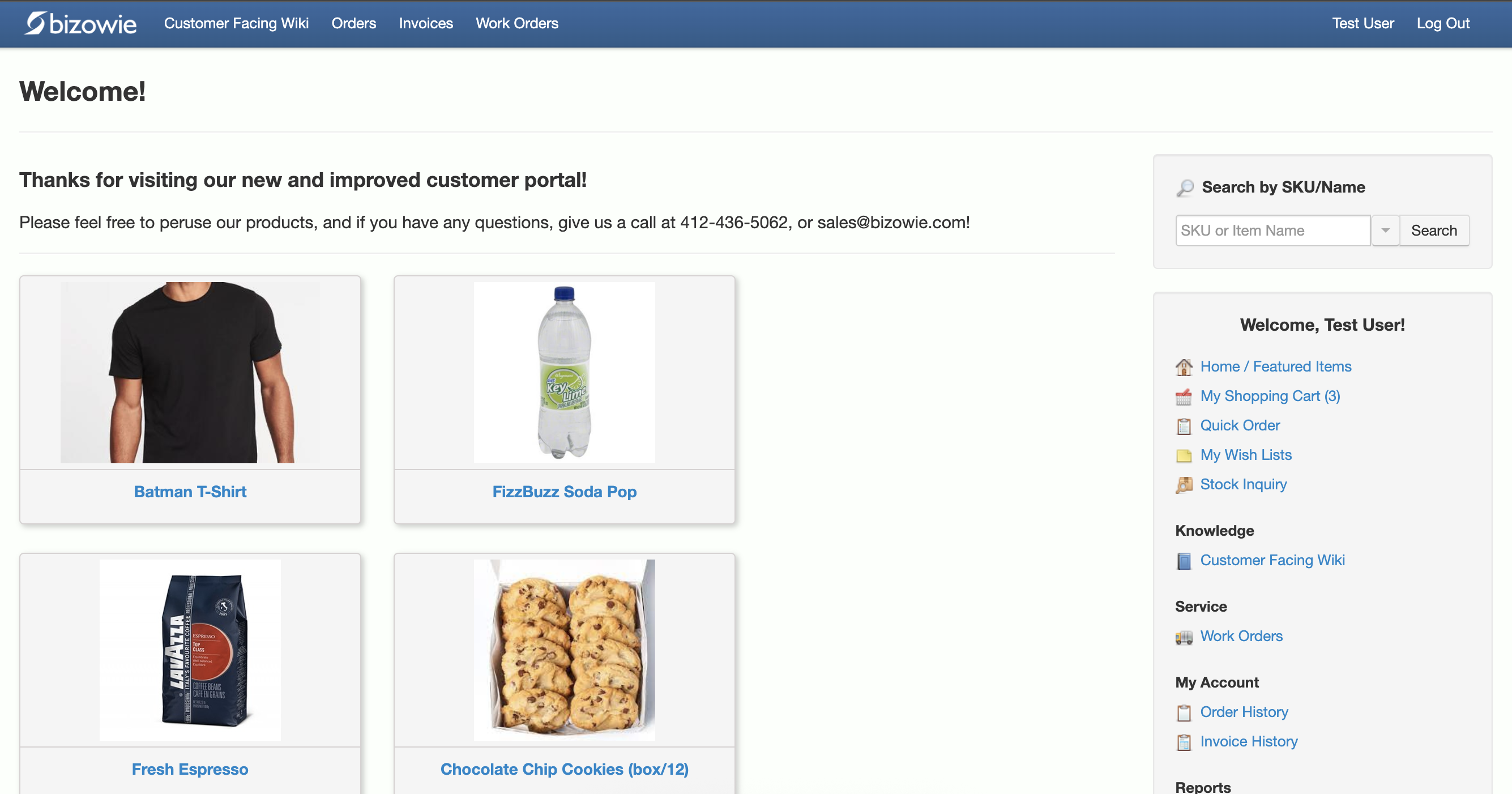
B2B Customer Portal
Customers search items, place orders, and check order and invoice history themselves.
Backorders in Bizowie
Bizowie’s order management supports multiple shipments and invoices per sales order, and automated release of backorders based on company- and customer-level rules. Order statuses change automatically as backorders are filled, transfers and purchase orders can be created automatically to meet sales demand, and dashboards and notifications alert your team to anomalies and late orders. Shipment notifications can be sent to customers through EDI, email, or your ecommerce site, and customers can check order status in the B2B portal.
“What used to take us 30 to 45 minutes can now be done in 3 to 5 minutes.”
Bridget Gaussa — Director of Program Development, Cribs for Kids
Frequently Asked Questions
What is backorder management?
The process of tracking orders that cannot be filled from stock, allocating incoming inventory to them, releasing them for shipment, and keeping customers informed.
How do you reduce backorders?
Set replenishment from current demand and real lead times, keep inventory accurate, balance stock between locations, and track backorders by cause so you can fix the most common ones.
What is a good fill rate for distributors?
It depends on the business and its promises to customers. Many distributors target the mid to high 90s for key items, and track fill rate by item, customer, and supplier.
Bring Us Your Backorder Report
Tell us how you allocate and release backorders today. We’ll show you how it would work in Bizowie, and if we are not the right fit, we will tell you.
See how Bizowie would handle your backorders
Tell us a little about your operation and we’ll reply with an honest assessment of fit, not a sales pitch.
- A real person reviews your submission and replies within one business day.
- No automated email sequences.
- If we’re not the right fit, we’ll tell you.
Prefer to talk?
Call (888) 635-2517, Mon–Fri, 9 AM–5 PM Eastern