
Reorder Point Formula and Min-Max Replenishment, With Examples
Every replenishment system has to answer two questions for every item: when to reorder, and how much.
The reorder point answers the first. Min-max, economic order quantity, and order multiples answer the second. Get them right and you stop running out of fast movers while carrying less of everything else. Get them wrong, or set them once and never revisit them, and you get both stockouts and overstock at the same time.
This guide explains the reorder point formula with worked examples, how min-max replenishment works, how they relate to safety stock and EOQ, and how to keep them current.
The Reorder Point Formula
Reorder point = (Average daily demand × Lead time in days) + Safety stock
The first part is the demand you expect while waiting for the order to arrive. Safety stock covers the variation: demand that runs higher than average, or a supplier that runs late.
Worked Example
An item sells an average of 40 units a day. The supplier’s lead time is 10 days. Safety stock is set at 120 units.
Reorder point = (40 × 10) + 120 = 520 units
When available inventory falls to 520, place an order. During the 10 days until it arrives you expect to sell 400, which leaves the 120 units of safety stock to absorb a busy week or a late truck.
Where Safety Stock Fits
Safety stock is the buffer in the reorder point. It should be larger for items with variable demand, unreliable suppliers, long lead times, or high importance to customers, and smaller for steady, low-value items. Our safety stock formula guide shows how to calculate it from demand and lead-time variability.
Min-Max Replenishment
Min-max is the simplest replenishment rule and one of the most widely used:
- Min is the trigger level, effectively the reorder point.
- Max is the level you order up to.
- When available inventory falls to or below min, order enough to bring it back up to max.
Order quantity = Max − Current inventory position, usually rounded up to the supplier’s order multiple.
Min-Max Worked Example
Using the item above, set min = 520 (the reorder point) and max = 1,320, which adds about 20 days of demand (800 units) above min.
Available inventory falls to 500. Order quantity = 1,320 − 500 = 820 units. If the supplier ships in cases of 50, round up to 850.
The gap between min and max controls how often you order. A wide gap means fewer, larger orders and more inventory. A narrow gap means more frequent orders and less inventory.
How Much to Order
Min-max sets the order size indirectly. Other approaches set it directly:
- Economic order quantity (EOQ): balances ordering cost against carrying cost. See our EOQ guide.
- Fixed quantity: a standard pallet, truckload, or case pack.
- Days of supply: order enough to cover a set number of days.
- Supplier constraints: minimums by unit, weight, or dollar value, quantity discounts, and freight thresholds.
In practice, most distributors combine a reorder point or min with an order size adjusted for supplier minimums and multiples.
Use Inventory Position, Not On-Hand
Compare the reorder point to inventory position, not just what is on the shelf:
Inventory position = On hand + On order − Allocated to customer orders (and backorders)
Using on-hand alone causes double ordering, because the system keeps triggering orders while the first one is still on its way.
Keeping Reorder Points Current
Reorder points go stale when demand, lead times, or seasons change. Good practice:
- Recalculate from recent demand history on a regular schedule, monthly or quarterly
- Use current, measured supplier lead times, not catalog values
- Adjust for seasonality, such as higher mins before a busy season
- Review exceptions: items that stocked out despite a reorder point, or never moved
- Set levels by location when demand differs between warehouses
See demand forecasting for distributors and how to eliminate stock-outs without increasing inventory.
See Bizowie in Action
Real screens from Bizowie, not mockups. Click any screen to enlarge.
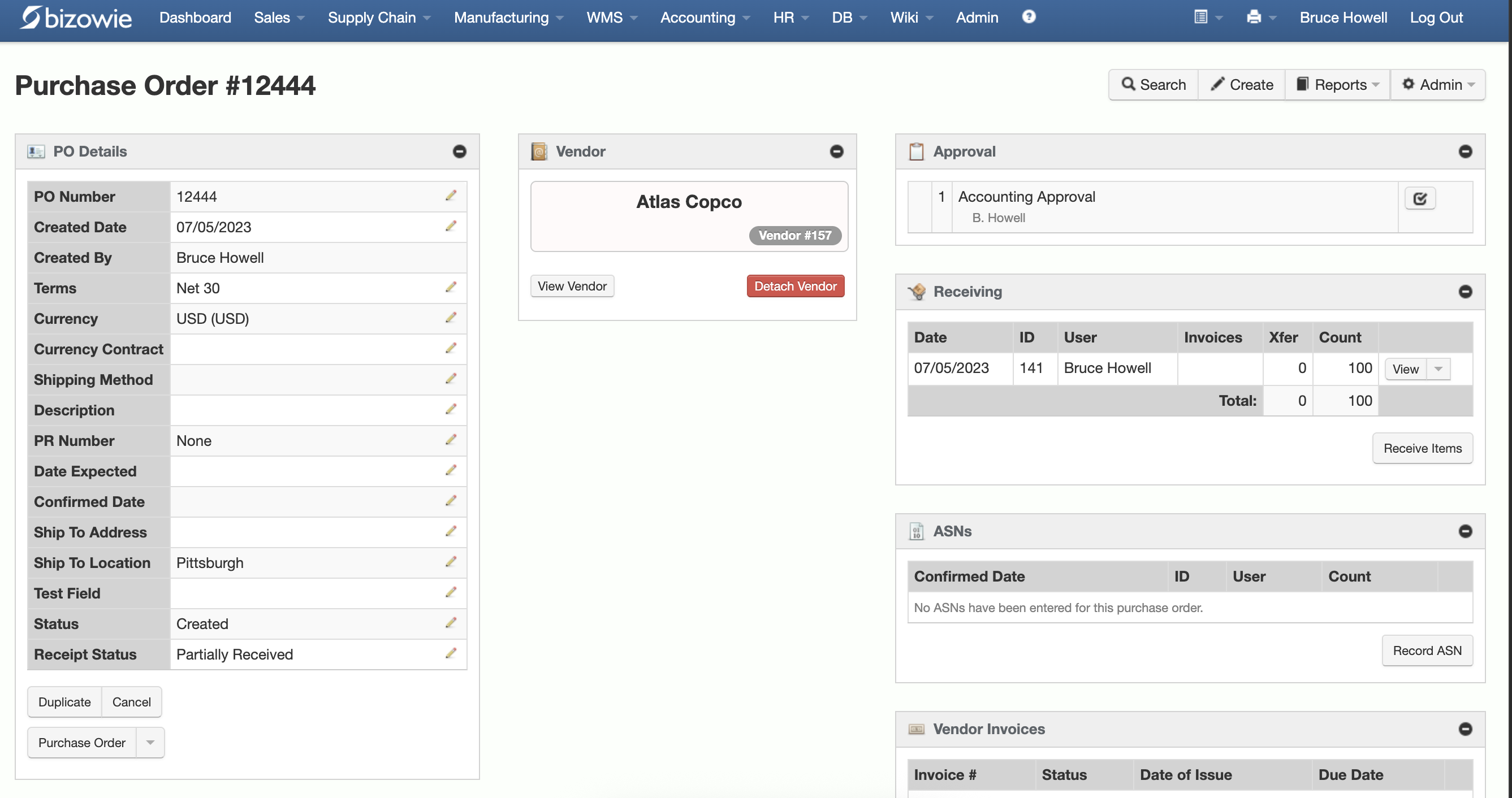
Purchasing & Receiving
Purchase orders with approvals, receiving, ASNs, and vendor invoices on one screen.
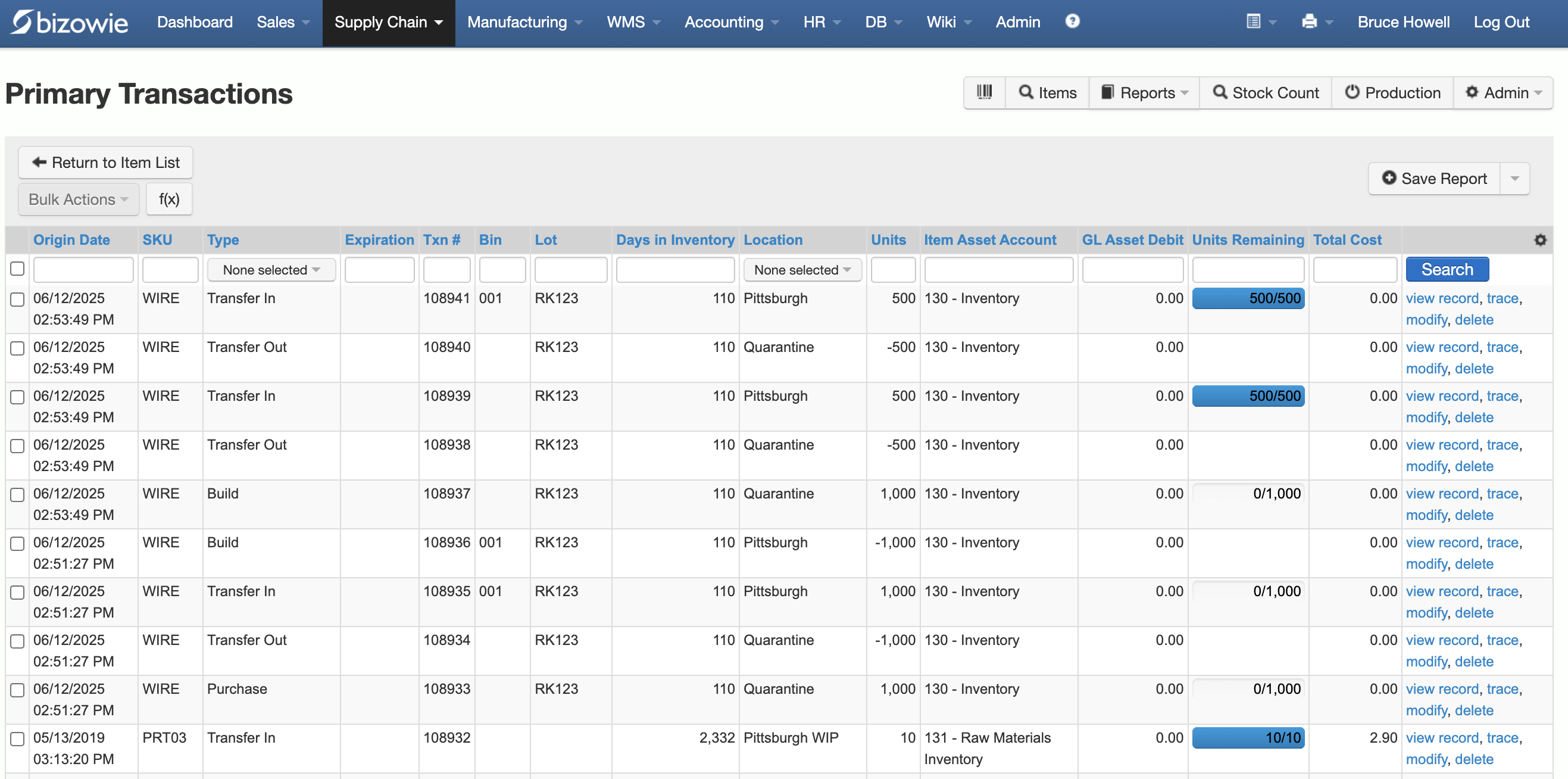
Inventory Transactions
Every receipt, transfer, build, and quarantine move by SKU, lot, bin, and location.
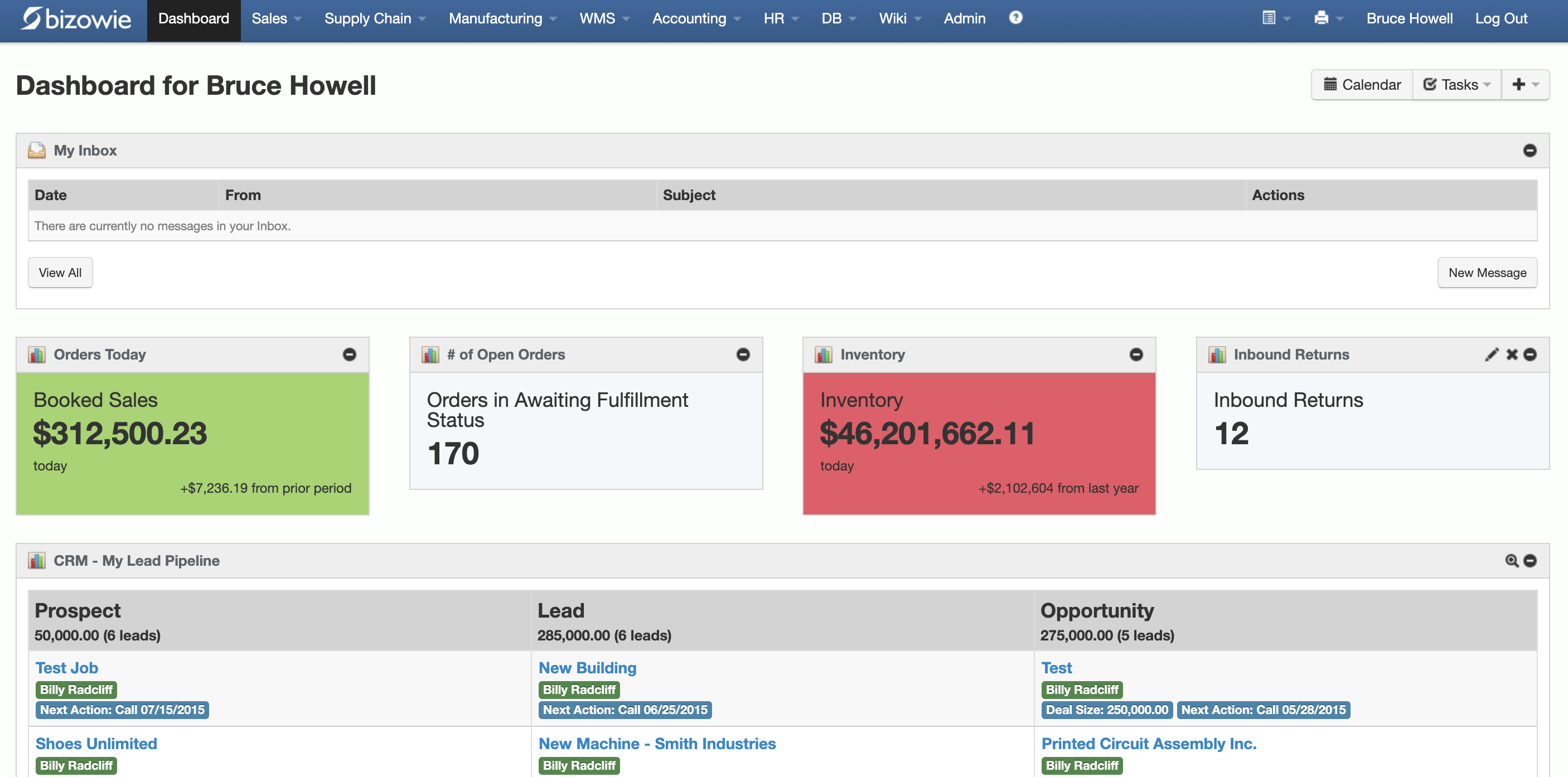
Live Dashboard
Bookings, open orders awaiting fulfillment, and inventory value at a glance.
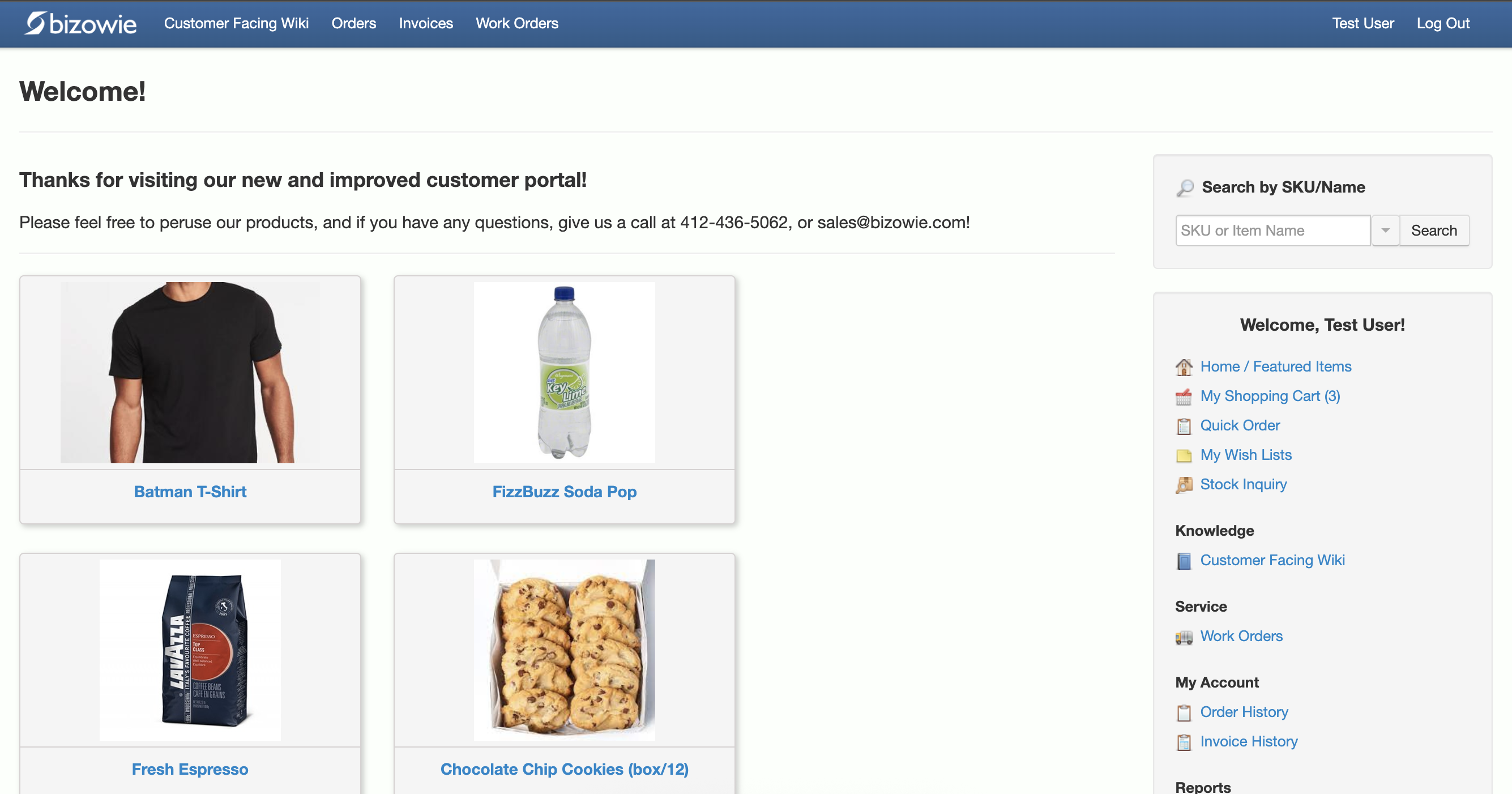
B2B Customer Portal
Customers search items, place orders, and check order and invoice history themselves.
Replenishment in Bizowie
Bizowie supports item- and location-level min/max quantities, either user-defined or algorithmically set by the system. Vendor reorder reporting includes economic order quantity, quantity discounts, and minimum unit and weight purchasing. Purchase orders can be generated automatically from demand, or created and drafted on a scheduled or just-in-time basis, and rule-based inter-warehouse and cross-dock transfers help avoid overbuying at one location while another has stock.
“We have seen immediate economic benefit for our business in terms of productivity from our warehouse staff, eliminated processing errors, and better stock control.”
Julius Hart — Managing Director, LensesOnline
Frequently Asked Questions
What is the reorder point formula?
Reorder point equals average daily demand multiplied by lead time in days, plus safety stock.
What is the difference between reorder point and min-max?
The reorder point is the level that triggers an order. Min-max uses the min as that trigger and adds a max level that sets how much to order: enough to bring inventory back up to the max.
How do you set min and max levels?
Set min at the reorder point, and set max at min plus the quantity you want to order each time, often based on EOQ, days of supply, or supplier pack sizes.
How often should reorder points be updated?
At least quarterly for most items, monthly for fast movers or volatile items, and whenever lead times or demand patterns change significantly.
Bring Us Your Stockout List
Tell us which items you run out of and which you have too much of. We’ll show you how Bizowie would set and maintain replenishment for them, and if we are not the right fit, we will tell you.
See how Bizowie would plan your replenishment
Tell us a little about your operation and we’ll reply with an honest assessment of fit, not a sales pitch.
- A real person reviews your submission and replies within one business day.
- No automated email sequences.
- If we’re not the right fit, we’ll tell you.
Prefer to talk?
Call (888) 635-2517, Mon–Fri, 9 AM–5 PM Eastern