
Vendor-Managed Inventory (VMI): How It Works for Distributors
In a vendor-managed inventory (VMI) program, the supplier, not the customer, decides when to replenish.
For distributors, VMI can work in both directions. You may run VMI for key customers, monitoring their stock and replenishing it before they run low, which makes you very hard to replace. Or your suppliers may manage inventory in your warehouse for you. Either way, VMI depends on accurate data, clear agreements, and systems that can share both.
This guide explains how VMI works, its benefits and risks, the data it requires, and how to set up a program with a customer.
What Is Vendor-Managed Inventory?
VMI is an arrangement where the supplier monitors the customer’s inventory or usage and decides when and how much to replenish, within agreed minimum and maximum levels. The customer stops placing routine orders; the supplier keeps them stocked.
How a VMI Program Works
- Supplier and customer agree on the items, locations, min and max levels, and service targets.
- The supplier receives usage or on-hand data, through EDI, a portal, scheduled counts, or on-site scanning.
- The supplier compares current levels to the agreed min and max, and creates replenishment orders.
- Product is delivered, and the customer is invoiced, either on delivery or on consumption, depending on the agreement.
- Both sides review performance and adjust levels regularly.
Benefits for Distributors and Customers
- For the customer: fewer stockouts, less purchasing work, and often lower inventory
- For the distributor: steadier, more predictable demand, larger share of the customer’s spend, and a relationship that is much harder for a competitor to displace
Risks and How to Manage Them
- Bad data: replenishing from inaccurate on-hand counts leads to stockouts or overstock. Audit counts regularly.
- Unclear ownership: agree in writing who owns the stock and when title transfers.
- Obsolete stock: agree what happens to slow-moving or discontinued items.
- Service cost: on-site counting and frequent small deliveries cost money. Track the profitability of each program.
VMI vs. Consignment
The two are often combined but are not the same:
- VMI is about who decides when to replenish.
- Consignment is about who owns the inventory: in consignment, the supplier owns the stock at the customer’s site until it is used.
A program can be VMI with the customer owning the stock, or VMI and consignment together. See the consignment inventory dilemma.
The Data VMI Requires
- Agreed items, locations, and min and max levels for each
- Current on-hand or usage data from the customer, on a regular schedule
- Open orders and in-transit quantities, so you do not double-replenish
- Lead times and delivery schedules
- Performance measures: fill rate, stockouts, inventory turns, and program profitability
EDI and customer portals make this exchange automatic instead of a weekly spreadsheet. See cloud ERP and EDI.
Setting Up a VMI Program
- Start with one customer, a manageable item list, and one location
- Agree the terms: min and max levels, ownership, billing, obsolescence, and service targets
- Set up the data exchange, ideally by EDI or scanning, and test it
- Run a trial period, measure results, and adjust levels
- Expand to more items and customers once the process is reliable
See Bizowie in Action
Real screens from Bizowie, not mockups. Click any screen to enlarge.
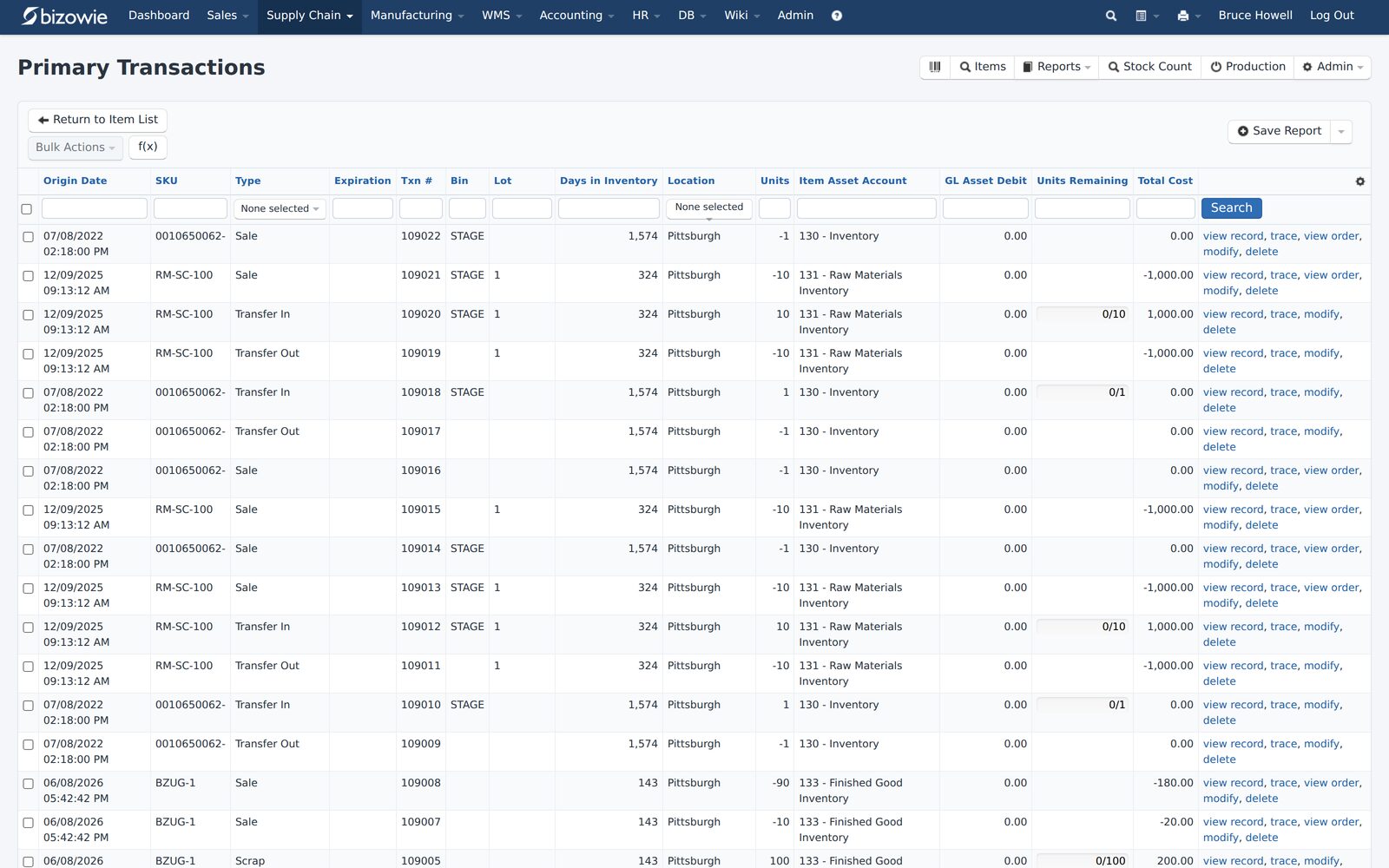
Every receipt, transfer, build, and quarantine move by SKU, lot, bin, and location.
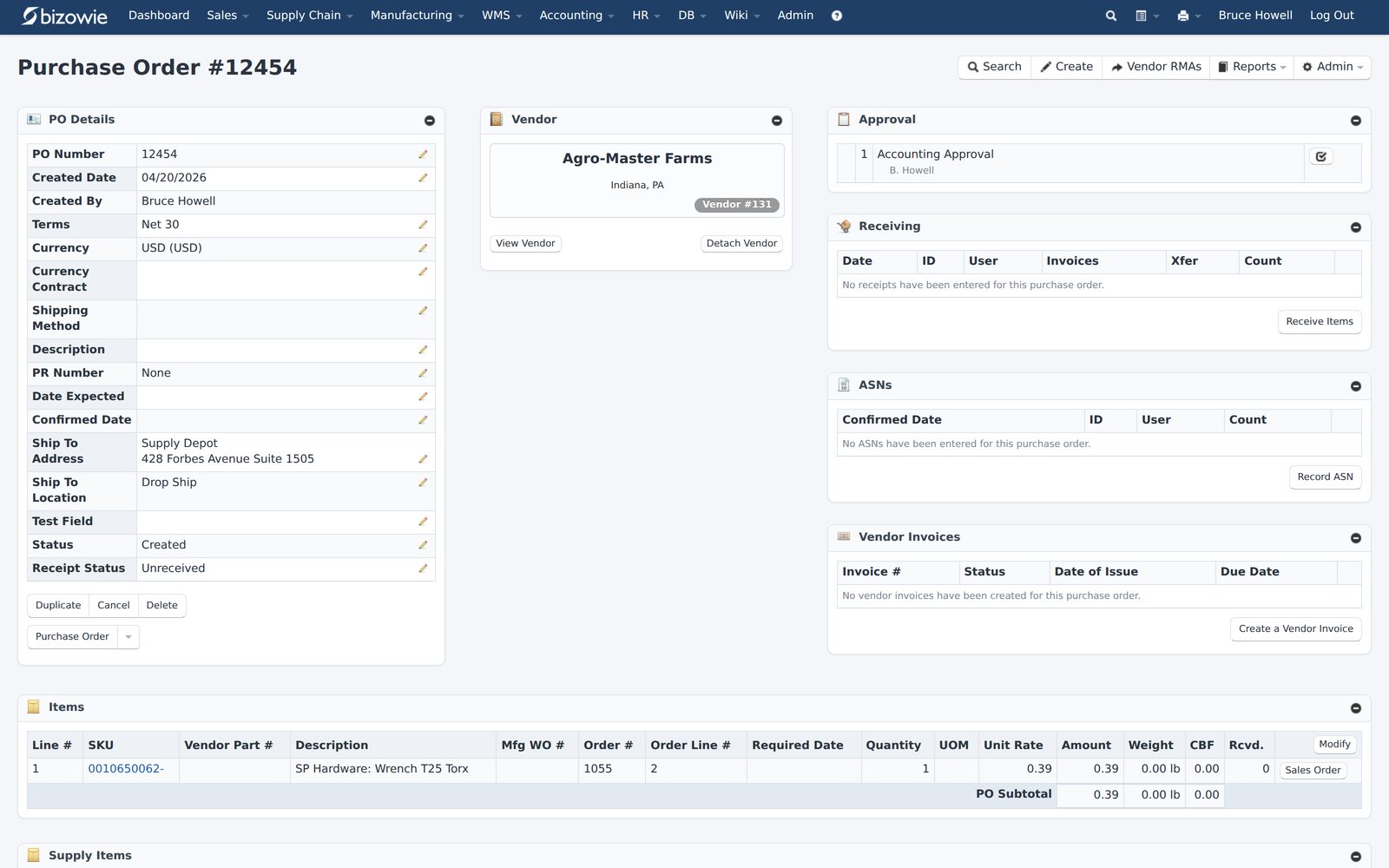
Purchase orders with approvals, receiving, ASNs, and vendor invoices on one screen.
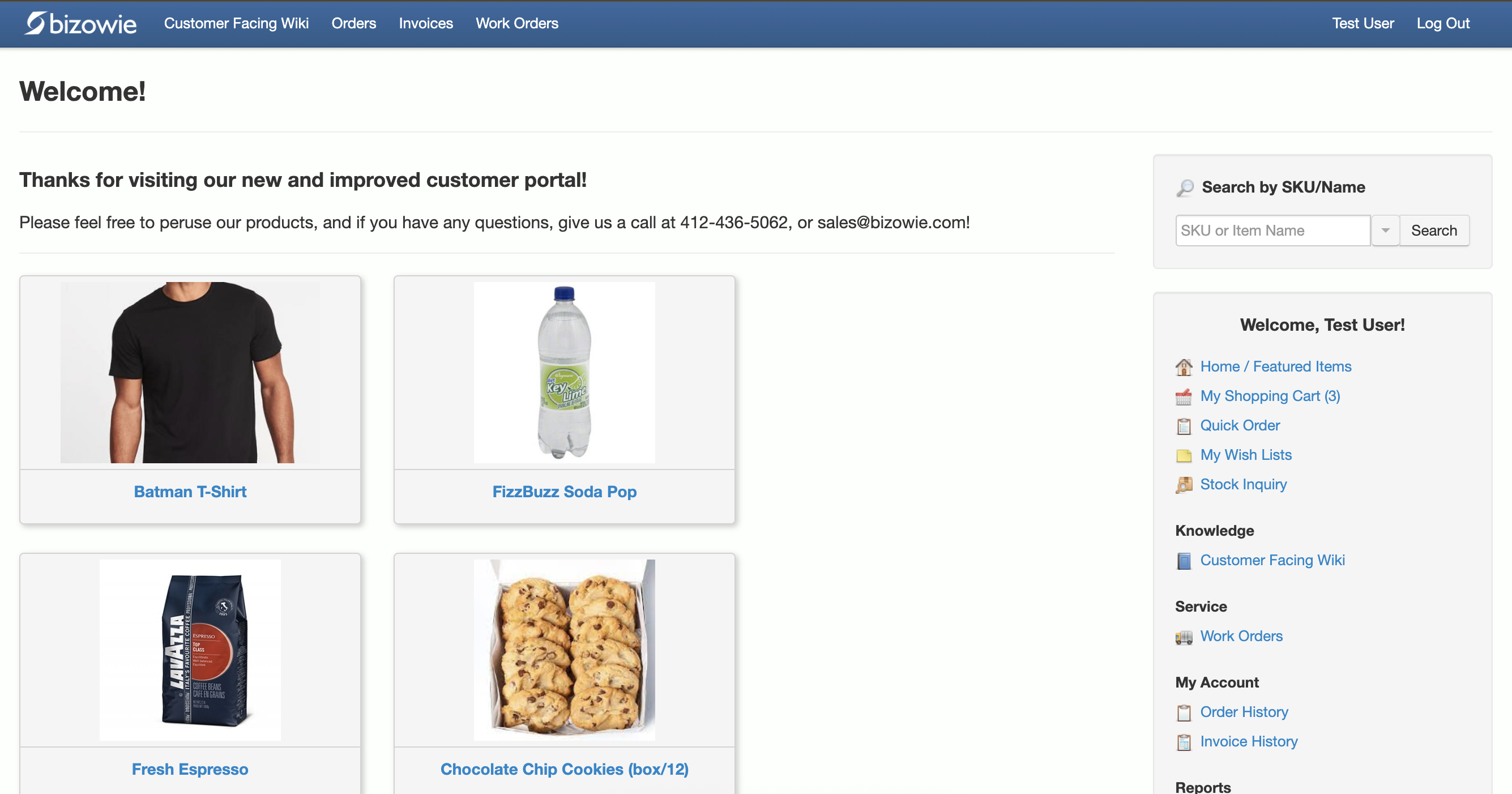
Customers search items, place orders, and check order and invoice history themselves.
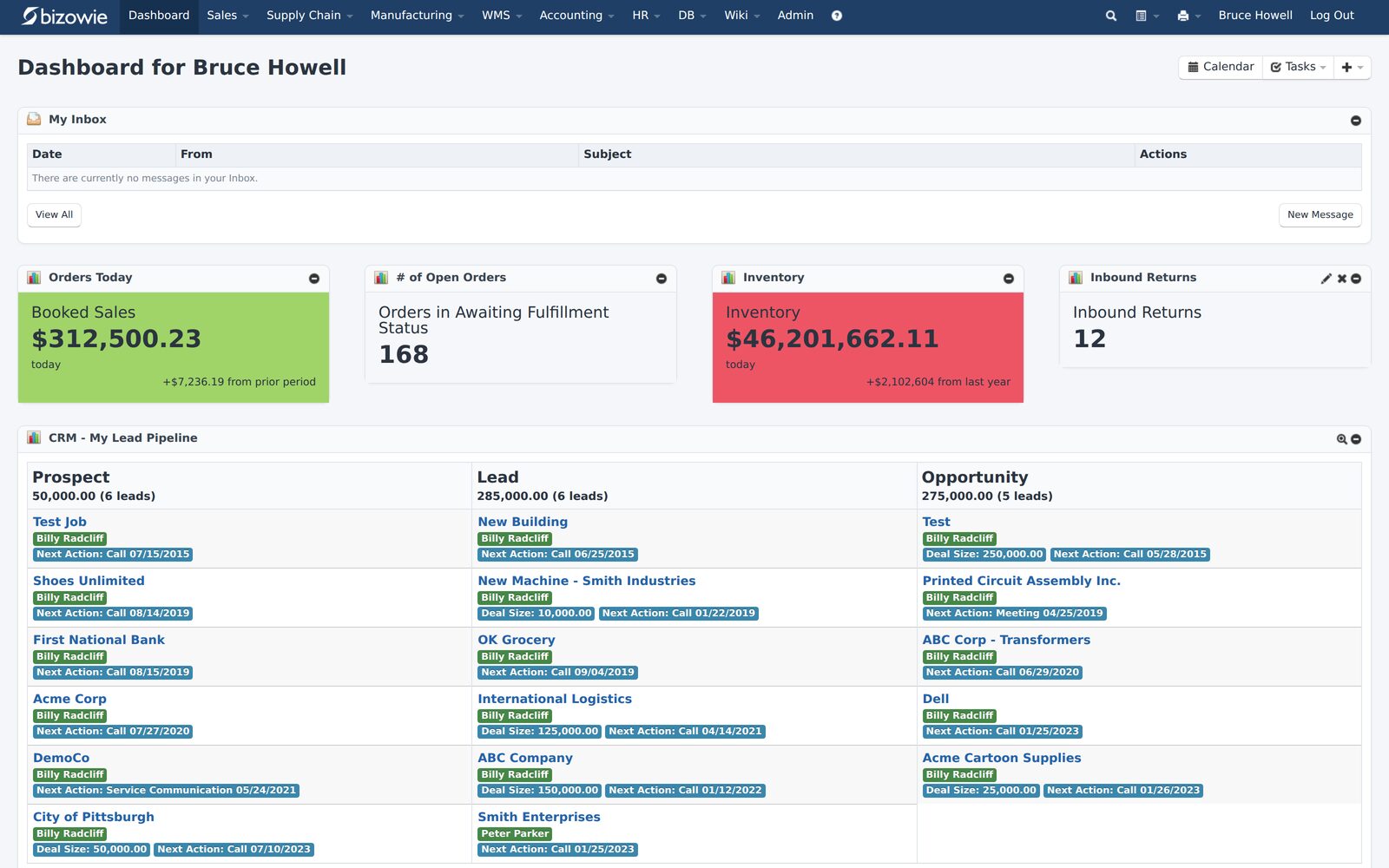
Bookings, open orders awaiting fulfillment, and inventory value at a glance.
Supporting VMI With Bizowie
Bizowie connects directly with any trading partner capable of ANSI X12 EDI, so customer orders and shipment notifications can flow without manual entry. Item- and location-level min and max quantities can be user-defined or set by the system, purchase orders can be generated automatically on a scheduled or just-in-time basis, and inventory can be managed across multiple warehouses, including virtual warehouses. A B2B portal gives customers their own pricing, live availability, and order and invoice history. Bring your VMI arrangement to a demonstration and we will show you how it would be set up.
“We have seen immediate economic benefit for our business in terms of productivity from our warehouse staff, eliminated processing errors, and better stock control.”
Julius Hart — Managing Director, LensesOnline
Frequently Asked Questions
What is vendor-managed inventory?
An arrangement in which the supplier monitors the customer’s inventory or usage and replenishes it within agreed levels, instead of the customer placing orders.
Who owns the inventory in VMI?
It depends on the agreement. In standard VMI the customer usually owns it once delivered; when VMI is combined with consignment, the supplier owns it until it is used.
Is VMI good for distributors?
It can be very good: more predictable demand, deeper customer relationships, and a larger share of spend, as long as data is reliable and each program’s service cost is tracked.
Bring Us a Customer You Want to Keep for Life
Tell us about the account and how it orders today. We’ll show you how Bizowie could support a VMI program for it, and if we are not the right fit, we will tell you.
See how Bizowie could support your VMI program
Tell us a little about your operation and we’ll reply with an honest assessment of fit, not a sales pitch.
- A real person reviews your submission and replies within one business day.
- No automated email sequences.
- If we’re not the right fit, we’ll tell you.
Prefer to talk?
Call (888) 635-2517, Mon–Fri, 9 AM–5 PM Eastern