
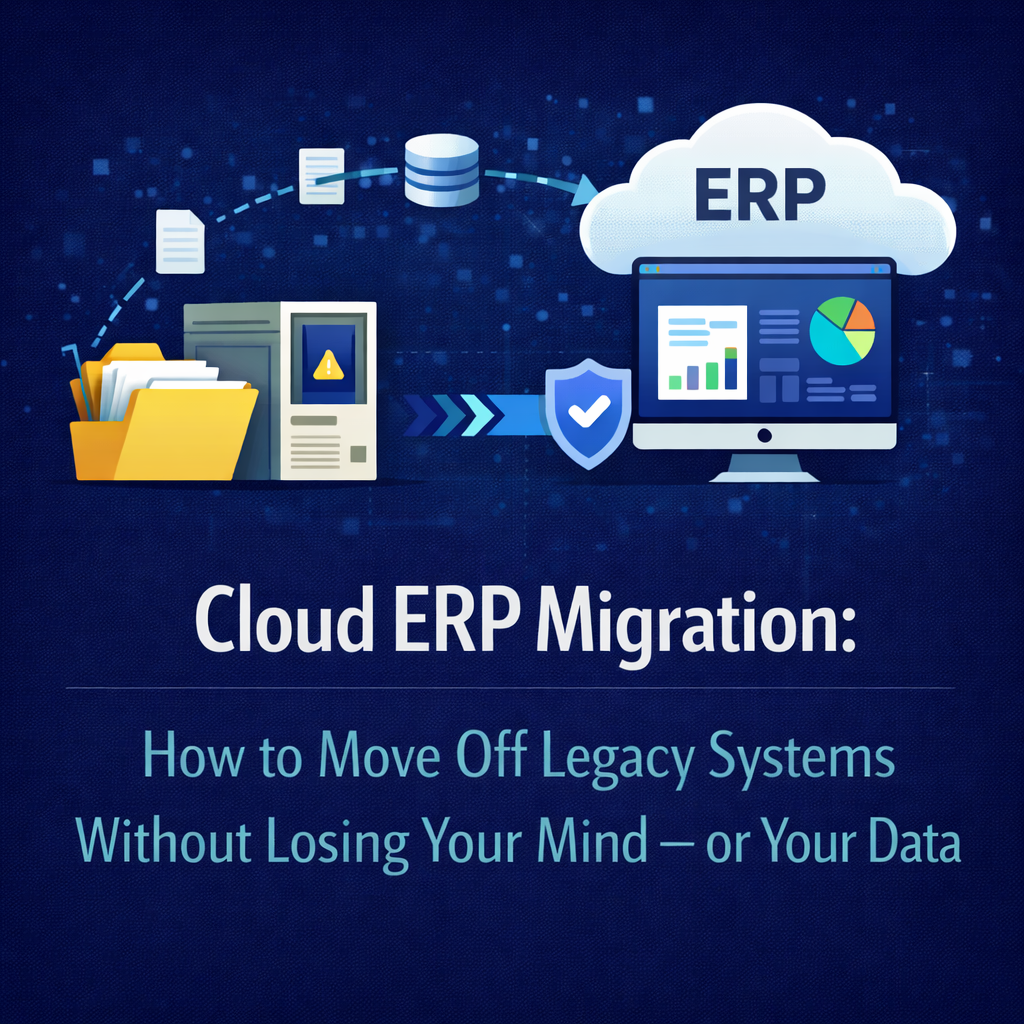
Cloud ERP Migration: How to Move Off Legacy Systems Without Losing Your Mind — or Your Data
Migrating to a cloud ERP platform is one of the highest-stakes projects a distribution company will undertake. It touches every department, every workflow, every data point that keeps the business running. Get it right and you unlock real-time visibility, operational speed, and a foundation that scales with you. Get it wrong and you’re looking at months of disruption, data integrity issues, and an organization that loses trust in the system before it ever gets a chance to prove its value.
The problem isn’t that migration is inherently difficult. The problem is that the industry has made it difficult — through bloated methodologies, misaligned incentives, and an implementation model that profits from complexity. Distribution companies migrating from legacy ERP systems deserve a clearer, more honest roadmap.
This is that roadmap. It’s built on a straightforward principle: migrations succeed when operations leads the process, when the vendor owns the outcome, and when every decision ties back to how the business actually runs.
Why Companies Delay Migration — and Why Waiting Costs More Than Moving
Most distribution companies running legacy ERP systems already know they need to migrate. The signs are impossible to miss: manual workarounds multiplying across departments, reports that take hours to generate and are outdated by the time they arrive, upgrade quotes from consultants that rival the original implementation cost, and an IT team spending more time maintaining the system than improving it.
Yet companies delay. Sometimes for years. The reasons are understandable — fear of disruption, bad memories from the last implementation, concern about data loss, skepticism that the new system will actually be better. These are rational concerns, but they create an irrational outcome: paying an escalating price to maintain a system that’s actively holding the business back.
The cost of staying on a legacy system isn’t static. It compounds. Every manual workaround consumes labor hours that grow as the business grows. Every delayed decision caused by stale data has a downstream cost in missed opportunities or excess inventory. Every integration that breaks because the legacy system can’t keep up with modern trading partner requirements creates friction that erodes customer relationships. Every year you wait, the data migration challenge gets larger, the technical debt gets deeper, and the competitive gap between your operation and those running modern platforms gets wider.
Migration has real costs and real risks. But for distribution companies running aging on-premise or hosted ERP systems, the cost of inaction is almost always higher — it’s just less visible because it’s spread across hundreds of small inefficiencies rather than concentrated in a single project budget.
Step 1: Audit What You Have Before You Plan What You Want
The first mistake most migration projects make is jumping straight to vendor evaluation without understanding the current state of the system they’re leaving. You can’t plan a migration if you don’t have an honest picture of where you’re starting from.
A thorough pre-migration audit should cover several dimensions. Start with your data landscape — what’s in the system, what’s accurate, what’s redundant, and what’s been untouched for years. Legacy ERP databases accumulate debris over time: duplicate customer records, obsolete SKUs still cluttering the item master, vendor records for companies you stopped doing business with a decade ago, pricing rules that no one remembers creating and no one is confident enough to delete.
Then map your integrations. Every connection between your ERP and another system — your e-commerce platform, your EDI network, your shipping carriers, your payment processor, your CRM — needs to be documented. Which integrations are critical for day-one operation? Which are outdated or redundant? Which are held together with custom scripts that only one person on your team understands?
Finally, catalog your customizations. Legacy ERP systems tend to accumulate custom code like sediment — layer after layer of modifications built over years to address specific problems, many of which no longer exist. Each customization represents a migration decision: does this functionality need to come along, can it be replaced by native capability in the new platform, or was it solving a problem created by the old system’s limitations?
This audit isn’t glamorous work, but it’s the foundation everything else rests on. Skip it and you’ll spend the migration discovering surprises that should have been planned for.
Step 2: Let Operations Define What Matters
Here’s where most migration projects take a wrong turn. The natural instinct is to hand the project to IT, since it’s a technology initiative. IT assembles requirements, evaluates vendors, and designs the migration plan based on technical architecture and system capabilities.
The result is a migration optimized for technology rather than operations. The data model is clean but doesn’t reflect how the warehouse actually processes orders. The workflow configuration matches the software’s default logic but not the business’s actual procedures. The reporting structure satisfies the chart of accounts but doesn’t give operations leaders the real-time visibility they need to make decisions.
Operations should lead the migration because operations understands what the system needs to do every day. Your warehouse manager knows which inventory processes break down during peak season. Your purchasing director knows which supplier workflows require real-time visibility into stock levels. Your fulfillment team knows which order-processing bottlenecks cost you customers. These are the people who should define the success criteria, prioritize the workflows, and validate that the new system actually works the way the business needs it to.
IT plays an essential role — they own the technical execution of data migration, security architecture, network readiness, and integration engineering. But the business requirements, the workflow design, and the definition of success should come from the people who will use the system eight hours a day, not the people who will maintain it from a server dashboard.
Step 3: Clean Before You Move
Data migration is where cloud ERP projects quietly succeed or silently fail. The quality of data you bring into the new system determines the quality of every decision, report, and workflow that system will produce. Migrating dirty data into a clean platform doesn’t solve your data problems — it imports them into a more expensive environment.
Data cleaning is tedious, detail-oriented work, and it’s tempting to defer it to “Phase 2” or to assume the new system will somehow fix the issues. It won’t. Bad data in a modern cloud ERP produces bad results faster and with more visibility than bad data in a legacy system, which actually makes the problem worse because now everyone can see it in real time.
A practical data cleaning process starts with identifying what actually needs to migrate. Not everything does. Historical transactions older than your reporting requirements can often be archived rather than migrated. Inactive customer and vendor records can be flagged and excluded. Obsolete SKUs, expired pricing rules, and orphaned records that exist only because no one was confident enough to delete them can finally be addressed.
For the data that does migrate, standardize it before it moves. Normalize naming conventions. Reconcile inventory counts against physical reality. Validate customer and vendor contact information. Resolve duplicate records. Align unit-of-measure definitions across product categories. This work is unglamorous but it’s the single highest-return activity in the entire migration — every hour spent cleaning data saves multiple hours of troubleshooting, reconciliation, and manual correction after go-live.
Your vendor should provide clear data mapping templates, validation tools, and reconciliation checkpoints throughout the migration process. If a vendor treats data migration as a commodity task rather than a critical workstream, that’s a warning sign about how the rest of the implementation will go.
Step 4: Map Workflows, Not Modules
Legacy ERP systems are organized around modules — finance, inventory, purchasing, sales, warehouse management — each with its own configuration, its own data structures, and often its own logic for how transactions flow. When companies migrate from legacy to cloud, they frequently make the mistake of replicating this modular structure in the new system: configure finance first, then inventory, then purchasing, then try to connect them all together.
This approach imports the silos from the old system into the new one. It’s the architectural equivalent of moving to a modern building and rebuilding all the walls from your old office inside it.
A better approach is to map your migration around end-to-end workflows. Start with the business processes that matter most to your operation and trace them from beginning to end, across every department they touch.
Order-to-cash might start with a customer placing an order through your e-commerce platform or via EDI, flow through inventory allocation, pick-pack-ship in the warehouse, freight calculation, invoicing, and ultimately cash application. That single workflow touches sales, inventory, warehouse, shipping, finance, and customer service. Configuring it as a unified flow — rather than six separate module configurations that hopefully connect — produces a system that mirrors how the business actually operates.
Cloud ERP platforms built on unified data architectures make this workflow-centric approach natural. When every function shares the same real-time data layer, configuring around workflows is the default rather than the exception. The system doesn’t need middleware or batch processes to pass information between modules because there are no module boundaries to cross.
Step 5: Plan Your Integration Architecture Early
Integration planning often gets pushed to the final phase of migration, treated as a technical cleanup task after the core ERP is configured. This is a costly mistake. Your ERP doesn’t operate in isolation, and the connections between your ERP and the rest of your technology ecosystem are just as important as the core configuration.
Start integration planning early in the migration process by prioritizing your connections into tiers based on operational criticality.
Your first tier should include integrations that must be functional on day one — the systems without which your business cannot process orders, ship product, or collect payment. For most distribution companies, this means e-commerce platforms, EDI trading partners, primary shipping carriers, and payment processing.
Your second tier covers integrations that are important but can tolerate a brief manual workaround during the transition period — CRM systems, secondary carriers, specialized reporting tools, and marketing platforms.
Your third tier includes nice-to-have connections that can be implemented post-launch without operational impact.
This tiered approach lets you focus migration energy where it matters most while avoiding the paralysis of trying to replicate every legacy integration simultaneously. It also creates an opportunity to evaluate whether every existing integration is still necessary. Legacy systems accumulate integrations over time, and migration is a natural moment to prune connections that no longer serve the business.
When working with a vendor who implements directly, integration planning benefits from the same deep product knowledge that drives the core configuration. The team building your integrations understands the platform’s API architecture at a foundational level because they built it — not because they read the documentation and passed a certification exam.
Step 6: Design Your Cutover Strategy
The cutover — the moment you switch from the old system to the new one — is the highest-anxiety point in any migration. How you approach it depends on your risk tolerance, your operational complexity, and the nature of your business.
A parallel-run approach keeps both systems operating simultaneously for a defined period. Transactions are processed in both the legacy and new systems, and results are compared to validate accuracy. This approach offers the most safety but also the most operational burden — your team is effectively running the business twice until you’re confident enough to shut down the old system. For distribution companies with complex, high-volume operations, the cost of parallel operation can be significant, but so can the cost of discovering a problem after the old system is already gone.
A phased cutover brings departments, functions, or locations onto the new system incrementally. You might start with purchasing and inventory, then add order management and fulfillment, then bring finance online last. This reduces the blast radius of any issues but creates a period where some processes run in the new system and others still depend on the legacy platform, which requires careful management of data flow between them.
A direct cutover — sometimes called the “hard cutover” — switches everything at once on a planned date. It’s the fastest approach and avoids the complexity of running two systems, but it concentrates all risk into a single moment. Direct cutover works best when the new platform has been thoroughly validated, when the data migration has been tested and reconciled, and when you have confidence in your vendor’s ability to support rapid issue resolution during the critical first days.
Regardless of which strategy you choose, cutover planning should include clear rollback criteria — the conditions under which you would revert to the legacy system — and a defined support structure for the first 30, 60, and 90 days of live operation. Your vendor should be deeply engaged during this period, not handing you off to a generic support desk the moment the system goes live.
Step 7: Train for the Transition, Not Just the Software
Migration training is fundamentally different from new-implementation training. Your team isn’t learning ERP concepts for the first time — they’re unlearning habits built over years on a legacy system and rebuilding their workflow patterns around a new platform. That’s harder than starting from scratch, and it requires a training approach designed for transition rather than introduction.
Effective migration training connects every feature and function in the new system to its equivalent — or its improvement over — the legacy process. A warehouse associate who’s been using the same receiving screen for eight years doesn’t need a generic tutorial on the new receiving module. They need to see exactly how the new process handles the same scenarios they encounter every day: partial shipments, lot-tracked items, cross-docked product, discrepancies between the PO and what’s on the truck.
Role-based training delivered in the context of actual workflows drives adoption far more effectively than system-wide overviews. The person processing accounts payable needs to understand how vendor invoices flow through the new system, how three-way matching works, how exception handling differs from the old process. They don’t need to sit through a session on warehouse management.
Equally important is addressing the emotional dimension of migration. People who’ve spent years mastering a legacy system have built competence and confidence in that environment. Moving to a new platform temporarily strips away that expertise, which can create resistance that has nothing to do with the quality of the new system. Acknowledging this reality, providing extra support during the learning curve, and celebrating early wins go a long way toward building the organizational buy-in that determines whether the migration ultimately succeeds.
Step 8: Measure Against What You Defined, Not What You Assumed
Post-migration measurement should tie directly back to the success criteria defined by your operations team in Step 2. This sounds obvious, but it’s remarkable how often companies finish a migration and evaluate success based on vague impressions rather than concrete metrics.
Did order processing time improve by the target percentage? Are the manual workarounds that consumed labor hours on the legacy system actually eliminated, or have they just shifted to different workarounds? Is real-time inventory visibility actually driving better purchasing decisions, or are people still relying on spreadsheets out of habit? Are customer-facing metrics — order accuracy, fulfillment speed, on-time delivery — moving in the right direction?
Honest post-migration measurement does two things. First, it validates the investment and builds organizational confidence in the platform. Second, it identifies areas where additional configuration, training, or process refinement can capture more value. Migration is the beginning of the optimization journey, not the end.
Cloud ERP platforms — particularly true SaaS platforms — give you the flexibility to continue optimizing without the painful upgrade cycles and re-implementation projects that defined the legacy world. The system evolves continuously, and your ability to capture that evolution depends on staying engaged with the platform and with your vendor.
The Vendor Question: Who Owns Your Migration Outcome?
Running through every step of this process is a question that shapes the entire migration experience: who is accountable for making this work?
In the traditional model, accountability is fragmented. The legacy vendor may provide a data export but won’t help you configure the new system. The new vendor provides the software but sends you to a third-party systems integrator for implementation. The integrator runs the project but has no control over the product roadmap or the platform architecture. When something goes wrong — and something always goes wrong — the blame circulates endlessly while your business absorbs the impact.
The vendor-direct model consolidates accountability. When the company that built the platform is the same company that migrates your data, configures your workflows, trains your team, and supports you post-launch, there is one relationship, one point of accountability, and one organization with a vested interest in your long-term success. They can’t blame the integrator because they are the integrator. They can’t deflect product limitations because they own the product. Every decision they make during your migration is informed by deep knowledge of the platform and a direct stake in your outcome.
For distribution companies that have been burned by fragmented accountability in past implementations, this model isn’t just operationally superior — it’s a fundamentally different relationship with enterprise software. One where the vendor’s success depends on yours, not on the number of billable hours they can generate along the way.
Migrating to Bizowie
Bizowie was built for distribution companies that are ready to leave legacy ERP behind — without the bloated timelines, the consultant overhead, and the fragmented accountability that have defined enterprise software migration for decades.
As a true SaaS, cloud-native platform, Bizowie eliminates the architectural baggage that makes legacy-to-cloud migrations unnecessarily painful. Our unified data model means your workflows don’t have to be reassembled across disconnected modules. Our vendor-direct implementation means the people migrating your system are the same people who built it — and the same people who will support it long after go-live. And our continuous update model means the day your migration is complete is the last day you ever have to think about software upgrades again.
Ready to leave your legacy system behind? Schedule a demo with Bizowie and see how a cloud ERP platform built for distribution delivers the clarity, control, and real-time visibility your operation needs — with a migration experience that proves enterprise software doesn’t have to be painful.